
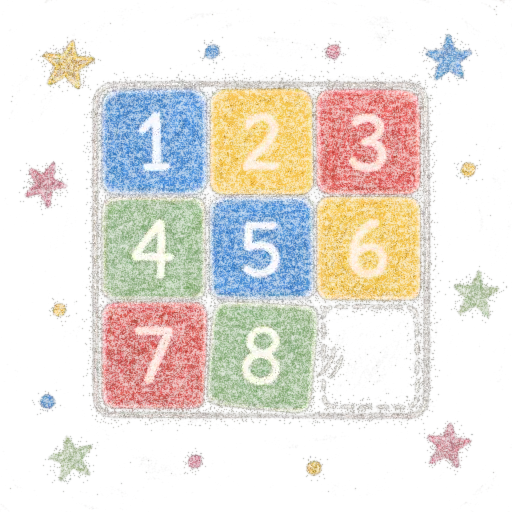
Sliding Puzzle
The classic sliding puzzle, with numbers or pictures
Slide the tiles one by one to put the grid back in order, with numbers or by rebuilding a picture: landscapes provided, or your own photo cropped to a square. From 3×3 to 6×6, with a timer, hints and records.
Audience : Students, families and teachersLevel : All levels (from about 6 years old)
Sign in with your e-mail address or with Google. The app then opens in your browser.
What the app does
- 3×3, 4×4, 5×5 or 6×6 grids, with three shuffle levels: relax, challenge, expert.
- Two models: numbers, or a picture to rebuild.
- Six landscapes provided, or your own picture, cropped to a square on screen.
- Preview of the finished picture, three hints per game and a training mode with no record.
- Timer, move counter, victory stars and a records board.
- Play with a finger (drag a tile), the mouse or the keyboard arrows.
- Gentle sounds and music generated on the device, light or dark theme, interface in French, English and Indonesian.
- Resume the game in progress where you left it.
How it works
- 1ChooseThe grid size, the level and the model: numbers or picture.
- 2SlideSlide the tiles into the empty square, with a finger, the mouse or the keyboard.
- 3RebuildPut the tiles back in order in as few moves as possible.
- 4Beat your recordEarn up to three stars and add your first name to the board.
Why it is useful
- A logic game that trains anticipation and planning of moves.
- Progressive difficulty: start with 3×3 and work up to 6×6.
- With a picture chosen by the student (or the class), the game becomes a motivating puzzle.
- Usable in class, in a workshop or at home, on a tablet, phone or computer.
Good to know
- This game uses no artificial intelligence: it uses no credit and stays usable even with limited access.
- The pictures you add, the settings, the records and the game in progress stay in the device's browser: nothing is sent anywhere.
- Records are specific to each device.
- The app opens in the browser, with nothing to install.